Your community members arrange meetings in a minute
Someone writes "let's meet" in the chat and, instead of a dozen messages, sends their business card with a "Pick a time" button. Another member picks a time right over the chat.
Free, no card required.
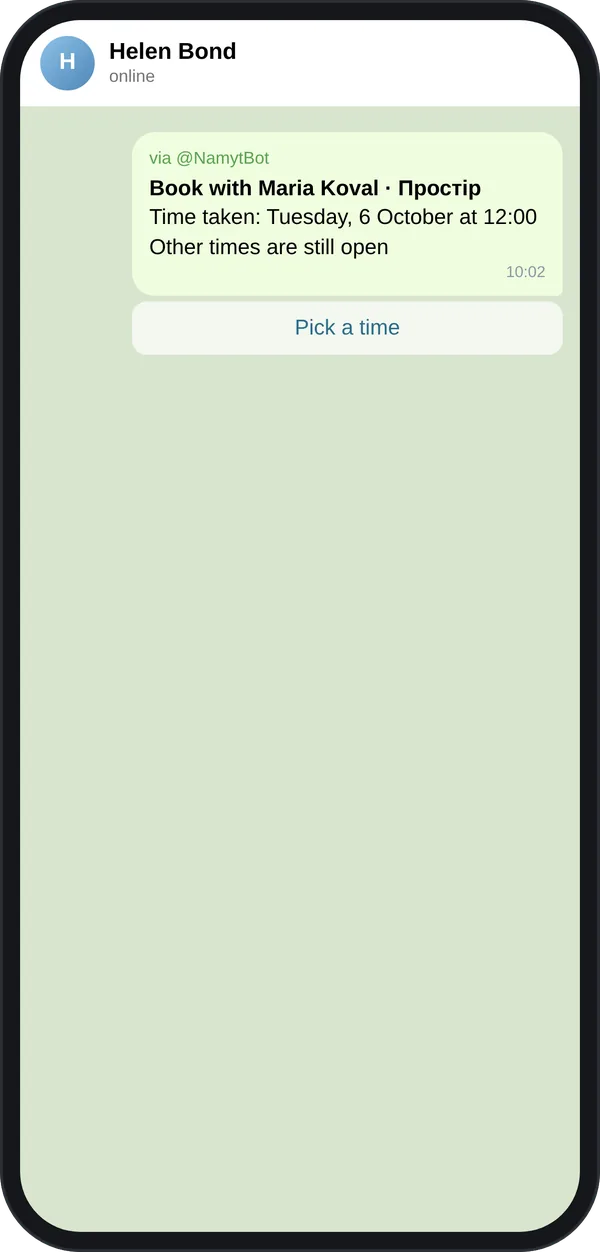
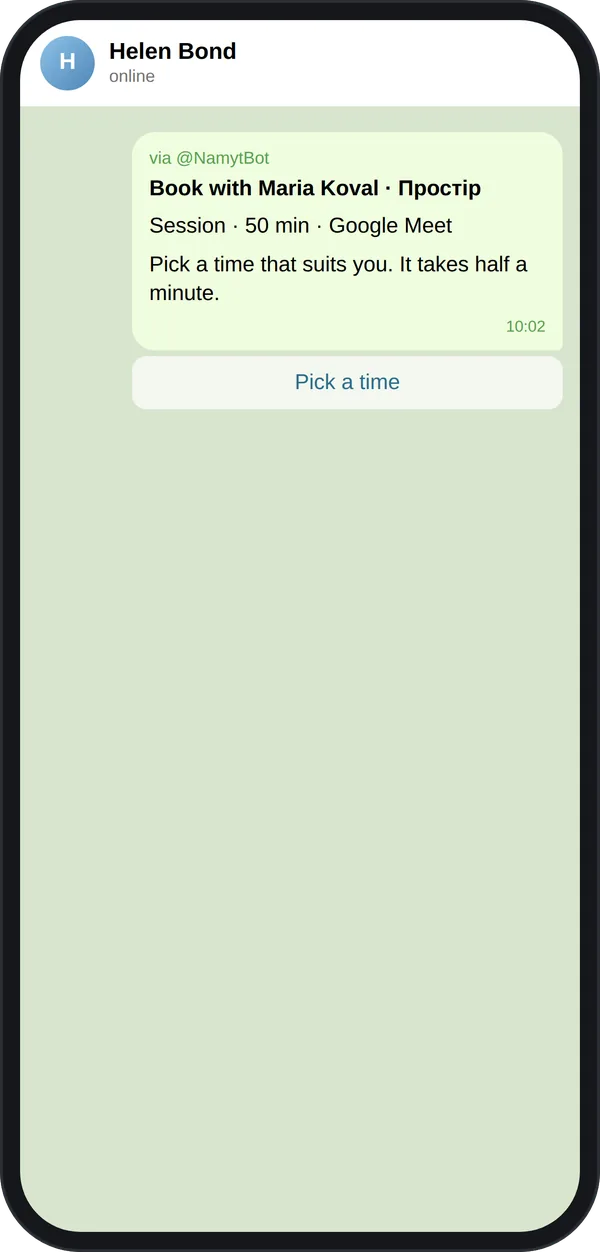
How it works in a community chat
- 1.A member types @NamytBot in the chat and sends their business card: photo or initials, name, meeting type and a "Pick a time" button.
- 2.Another member taps "Pick a time" and books. No need to add the bot to the group.
- 3.The card in the chat switches to the chosen time.
For members
- •Networking without the back-and-forth: put your link in your community intro, and people book with you themselves.
- •A meeting for several members: a poll with time options, or picking from the organizer's free time, right in the community chat.
- •Reminders in Telegram a day and an hour before, rescheduling without messages.
- •Free: 5 meetings a month right away and 5 more on confirmation, one group poll a month.
For organizers
- •Your members can get Pro for free for an agreed period through your community link.
- •We help with the launch: a short demo at a community meetup and a guide for the pinned message.
- •Want the same for your community? Write to us: hello@namyt.com