Namyt or Calendly: which to choose
Calendly is a strong booking tool. Namyt is built for people who already arrange meetings in Telegram. Here's an honest comparison.
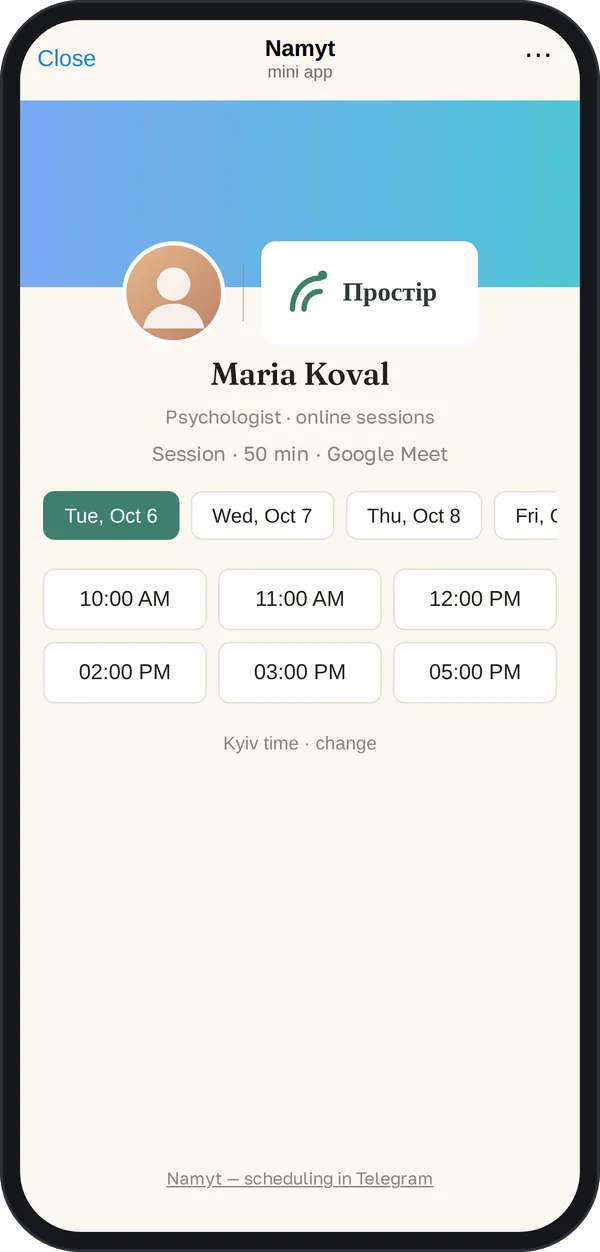
| Feature | Calendly | Namyt |
|---|---|---|
| Where the guest books | On the Calendly website, in a browser | In Telegram, over the same chat |
| What the guest enters | Name and email, required | Nothing extra; any questions before booking are added by the link owner |
| Guest reminders | Automations and reminders, from the Standard plan | In Telegram, on the free plan |
| Free plan | 1 event type, 1 calendar | 1 meeting type, 5 meetings a month right away plus 5 more on confirmation |
| Paid plan | $10 per user a month billed yearly | |
| Multiple calendars | Yes, from the Standard plan | No, one Google Calendar |
| Payment at booking | Yes, Stripe and PayPal, from the Standard plan | No |
| Regular clients | Not compared | The client picks weekly or every 2 weeks, and the time is held |
| Scheduling with a group | Not compared | A poll with time options, or picking from your free time, right in a Telegram group chat |
Extra steps: only the differences
We don't count the steps both services share: picking a time, setting your schedule, giving Google access to your calendar. Only what you have to do on top.
For your guest
- •Sometimes Telegram asks to accept its terms the first time the app opens: 1 tap
- •"Next"
- •Type a name(typing)
- •Type an email(typing)
We do not count identical steps: opening the link, picking a day and time, confirming the booking. Calendly: a booking page with the default form (name and email), no extra questions or payment; checked on October 13, 2026. Other owners' pages may differ. How we counted. Calendly is a trademark of its owner; Namyt is not affiliated with Calendly.
For you, to get started
- •No account: you sign in with Telegram
- •The first screen connects Google Calendar
- •Google Meet links are created automatically
- •Sometimes Telegram asks to accept its terms: 1 tap
- •Connect a calendar separately
- •Connect a video service separately, if you want a video meeting link
How we counted. Guest: on October 13, 2026 we walked a live Calendly booking page up to the "Schedule Event" button without submitting the form. By default Calendly asks for name and email (Calendly help). A page owner can add questions or payment; we do not count them, and pages of different owners differ. Organizer: the steps come from Calendly's official guide for new users, checked on October 13, 2026. We do not count identical steps, including picking a time and consent to access Google Calendar, which is given in both services. We count Namyt's only step against ourselves: sometimes Telegram asks to confirm the terms on first open, which is 1 tap. We recheck the numbers every month and after any change in either service. Calendly is a trademark of its owner; Namyt is not affiliated with Calendly.
When Calendly is the better choice
- •Your clients don't use Telegram.
- •You need payment at booking or several calendars.
When Namyt is the better choice
- •You already arrange meetings in Telegram, and your clients don't want to open a browser and fill in a form.
- •You want guest reminders without a paid plan.
- •You have regular clients or group meetings that you arrange in chats.
- •You'd rather pay in hryvnias.